Healthy gaming habits come down to a few simple routines: take short breaks at least every hour, sit with good posture at a comfortable screen distance, protect your sleep, keep water nearby, and set time limits you actually follow. Built-in family settings make those limits easier to keep.
This GoldPlayPot.com guide turns each habit into practical steps. It is general comfort advice, not medical advice.
Key Takeaways
- Short, regular breaks help your eyes, hands and focus more than one long stop.
- Set up your chair, desk and screen before a session, not halfway through it.
- Stop screens well before bed and keep a consistent sleep schedule.
- Decide session length before you start and use timers or console limits.
- Consoles and PC platforms include family settings for playtime and spending.
Why Gaming Habits Matter
Most people play games to relax, compete or spend time with friends. Long sessions are part of the fun, but they can leave you with tired eyes, a stiff neck and less sleep than you planned.
Small habits fix most of that without taking anything away from the game. They also tend to make you play better, since a rested player reacts and decides more clearly. At GoldPlayPot.com we see healthy play as part of enjoying the hobby for years.
Take Regular Breaks
Breaks are the easiest habit to build and the most often skipped. Many games make it hard to stop, so attach breaks to natural pauses such as the end of a match, a loading screen or a save point.
- Stand up and move around at least once an hour.
- Stretch your wrists, fingers, shoulders and neck.
- Look away from the screen at something far away for a short while.
- Refill your water and check the time against the limit you set.
For eyes, a common rule of thumb is 20-20-20: every 20 minutes, look at something about 20 feet away for 20 seconds. The American Optometric Association’s page on computer vision syndrome recommends this rule to ease digital eye strain.
Posture and Setup
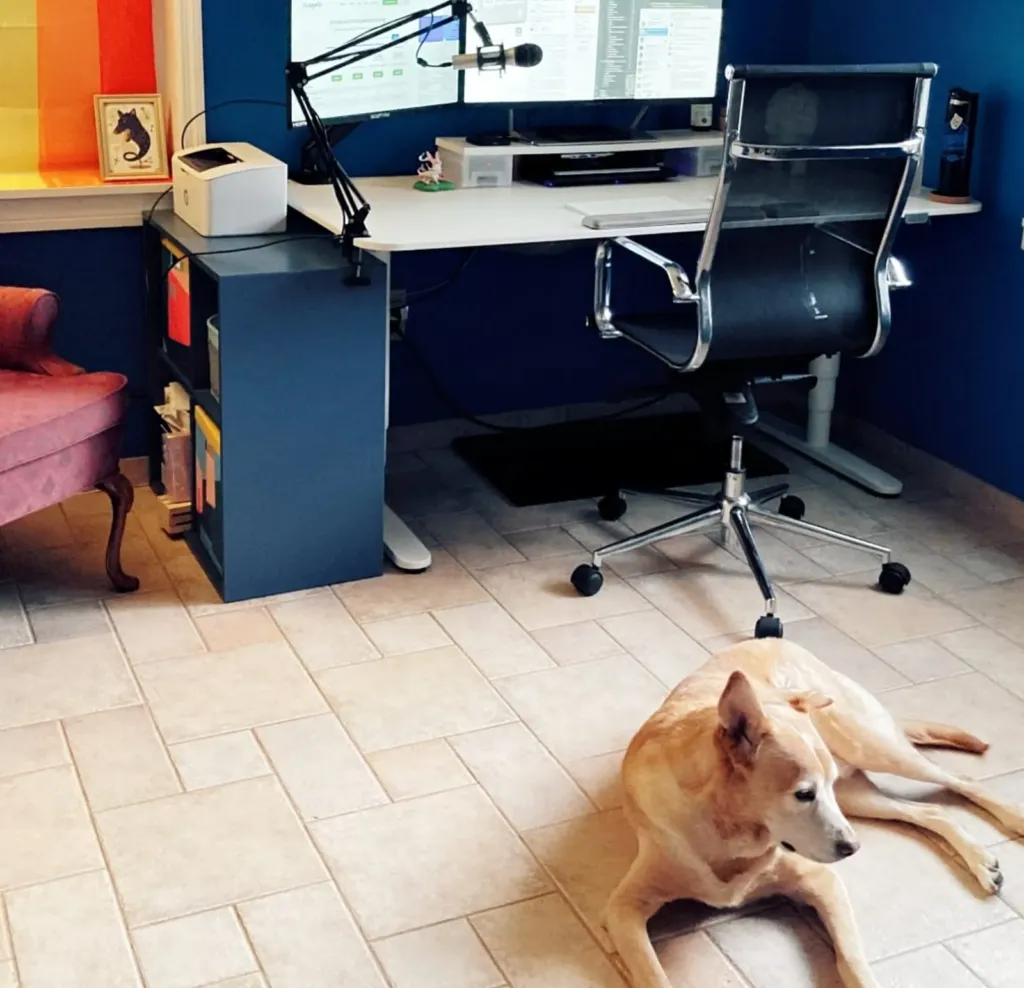
Good posture starts with the setup, not willpower. Adjust everything once and comfortable sitting becomes the default.
| Area | Simple target | Quick check |
|---|---|---|
| Chair | Back supported, feet flat on the floor or a footrest | Knees roughly level with hips |
| Screen height | Top of the monitor around eye level | No tilting the head up or far down |
| Screen distance | About an arm’s length for a desk monitor | Text readable without leaning in |
| Mouse and keyboard | Close enough to keep elbows near your sides | Shoulders relaxed, wrists fairly straight |
| Couch and TV | Sit back with support, not hunched forward | Controller resting near your lap |
| Handhelds and phones | Raise the device rather than dropping your head | Switch hands and grips often |
Lighting matters too. A dark room with a bright screen strains the eyes, so add some soft background light and reduce glare from windows behind the screen.
Protect Your Sleep
Late-night sessions are the classic way gaming eats into sleep. One more match easily becomes ten, and an exciting game can leave you wired long after you stop.
- Pick a fixed end time on school or work nights and stick to it.
- Finish gaming some time before bed so your mind can wind down.
- Turn down screen brightness in the evening and use night or warm-light modes.
- Keep the console or PC out of the bedroom if late play is a habit you want to break.
A regular sleep schedule pays off in-game as well. Tired players make slower decisions, which is one reason our competitive FPS tips include knowing when to stop.
Hydration and Snacks
It is easy to forget to drink during a long session. Keep a bottle of water within reach and refill it on breaks, which also gets you out of the chair.
Sugary drinks and heavy snacks can leave you sluggish. Lighter snacks and proper meals away from the desk keep energy steady and the keyboard cleaner.
Set Time Limits That Work
Time limits work best when they are decided before you start, not negotiated in the middle of a match. Think in sessions or matches rather than vague hours, such as three ranked games or one dungeon run.
Use a timer or the built-in playtime tracking on your platform, and plan something specific for afterwards. A big pile of unplayed games can also pull you into longer sessions; our guide on how to manage your game backlog helps you choose what is worth the time.
Family Settings and Parental Controls
Major consoles and PC platforms include family or parental control settings. Depending on the platform, they can set daily playtime limits, restrict games by age rating, limit spending, and control online chat and friend requests.
These tools work best as a shared plan rather than a surprise. Agree on limits together, explain why they exist, and review them as children get older. Adults can use the same features on their own accounts as a gentle nudge.
When to Take a Step Back
For most players, gaming is a healthy hobby. The World Health Organization describes gaming disorder as a pattern of impaired control where gaming takes priority over other interests and daily activities and continues despite harm; its gaming disorder FAQ notes that it affects only a small proportion of people who play.
If gaming regularly crowds out sleep, school, work or relationships, or you feel unable to cut back, step back and talk to a qualified professional. Pain, numbness or eye trouble that does not settle with rest is also worth checking with a doctor.
Find more player-focused articles on the Blog, practical setup help in the Guides section, and the latest across every category on the GoldPlayPot.com homepage.
FAQ
How often should I take a break while gaming?
A simple target is a short break at least once an hour, plus brief eye breaks more often, such as the 20-20-20 rule. Tie breaks to natural pauses like the end of a match or a save point, so stopping feels easy instead of interrupting the moment you care about.
How far should I sit from my screen?
For a desk monitor, about an arm’s length is a common starting point, with the top of the screen around eye level. You should be able to read text without leaning forward. For a TV, sit far enough back to see the whole screen without turning your head.
Is gaming before bed bad for sleep?
Late, exciting sessions can push bedtime back and make it harder to wind down. Setting a fixed end time, finishing some time before bed and lowering screen brightness in the evening all help. A consistent sleep schedule matters more than any single setting or device feature.
What can family settings on consoles do?
Depending on the platform, family settings can set daily playtime limits, restrict games by age rating, require approval for purchases, and control online chat and friend requests. They work best when the limits are agreed together and reviewed as children get older, rather than imposed without explanation.